
15+ Best Free AI Tools in 2026: Reclaim 20+ Hours Weekly

The Era of Smart Work Has Arrived
Remember when working hard meant staying late, answering endless emails, formatting reports manually, and juggling multiple browser tabs to schedule meetings?
That era is quickly disappearing.
In 2026, professionals are shifting from working harder to working smarter with AI tools to automate work.
These tools are not experimental anymore. They are practical AI automation tools that help you:
write faster
research smarter
design visuals instantly
automate repetitive tasks
The best part? Many of them are completely free and require no credit card.
Another major shift is happening as well: Generative Engine Optimization (GEO). Instead of traditional search engines sending users to websites, AI assistants now answer questions directly.
That means knowing which AI tools save time is becoming a real professional advantage.
In this guide, we review 15+ powerful free AI tools in 2026 that can transform your productivity.
1. Core AI Assistants for Research and Thinking


These tools act as your digital brain. They help with research, brainstorming, summarizing, and answering complex questions.
ChatGPT
One of the most versatile AI productivity tools available today.
You can use ChatGPT to:
generate blog posts
write emails
debug code
summarize documents
brainstorm business ideas
The free version is powerful enough for most daily tasks.
Best for: writing, ideation, coding, Q&A.
Claude
Claude excels at long-form reasoning and document analysis.
It performs extremely well when working with:
large documents
complex instructions
deep explanations
Best for:
document analysis, long reports, summarizing PDFs.
Perplexity AI
Perplexity is often described as an AI-powered search engine.
Instead of showing links, it provides direct answers with cited sources, making it perfect for research.
Best for:
fact checking
quick research
up-to-date information
Gemini Deep Research
Google’s Gemini offers a powerful feature called Deep Research.
It automatically:
browses multiple sources
gathers information
builds a structured report
This makes it extremely useful for market research and trend analysis.
NotebookLM
NotebookLM lets you upload your own documents such as:
PDFs
articles
Google Docs
Then the AI becomes an expert on your material.
You can ask questions and generate summaries based only on your sources.
2. AI Writing and Communication Tools
Writing emails, content, and reports can consume hours every week. These tools reduce that time dramatically.
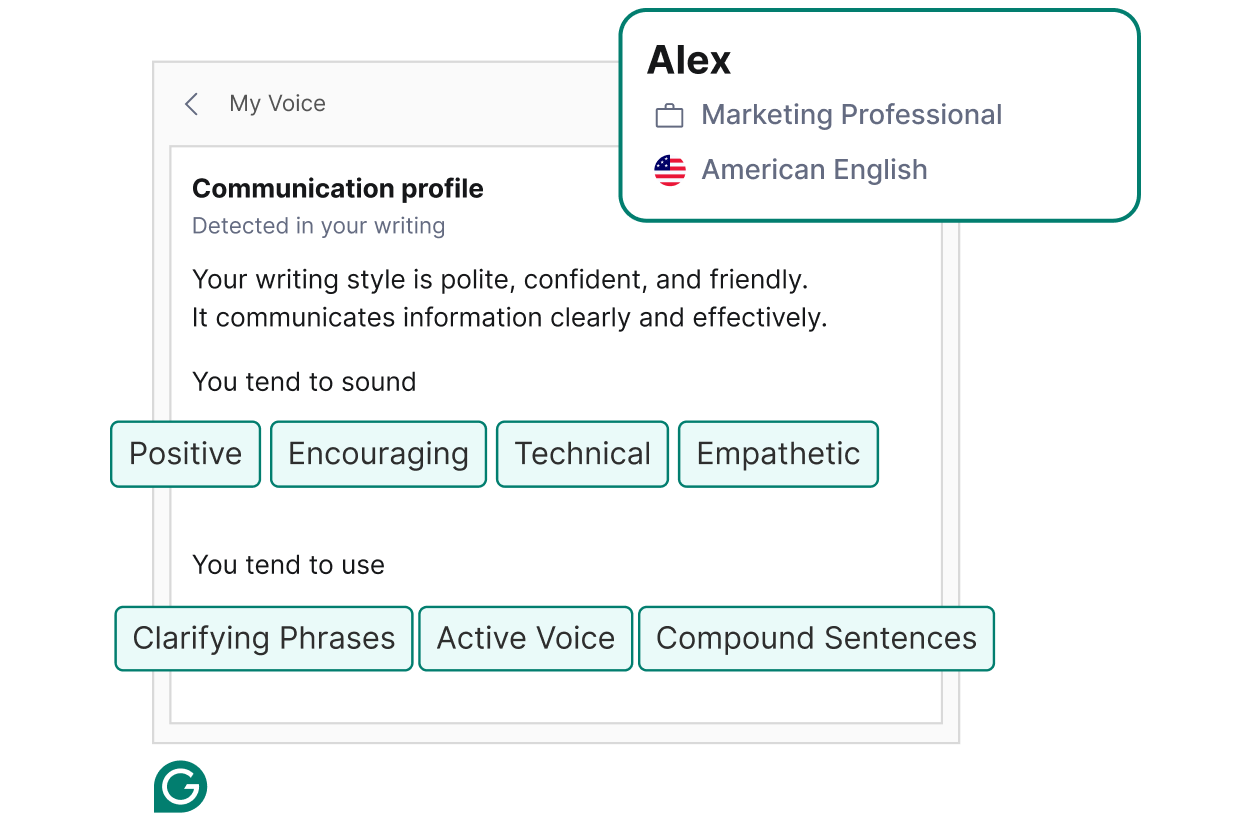
Grammarly
Grammarly is one of the most popular AI writing assistants.
It helps improve:
grammar
clarity
tone
sentence structure
Even the free plan can significantly improve professional writing.
Copy.ai
Copy.ai is built specifically for marketing content.
It can generate:
ad copy
product descriptions
social media posts
blog outlines
This is extremely useful for marketers and bloggers.
QuillBot
QuillBot is a powerful paraphrasing and summarizing tool.
It helps you:
rewrite content
simplify complex text
summarize long articles
Great for students and writers.
Wispr Flow
Wispr Flow is a voice-to-text AI tool.
Instead of typing long emails or notes, you can simply speak and let AI write for you.
Perfect for:
quick emails
note taking
hands-free writing.
3. AI Design and Presentation Tools
Creating professional visuals used to require design skills. These AI automation tools make it accessible to everyone.
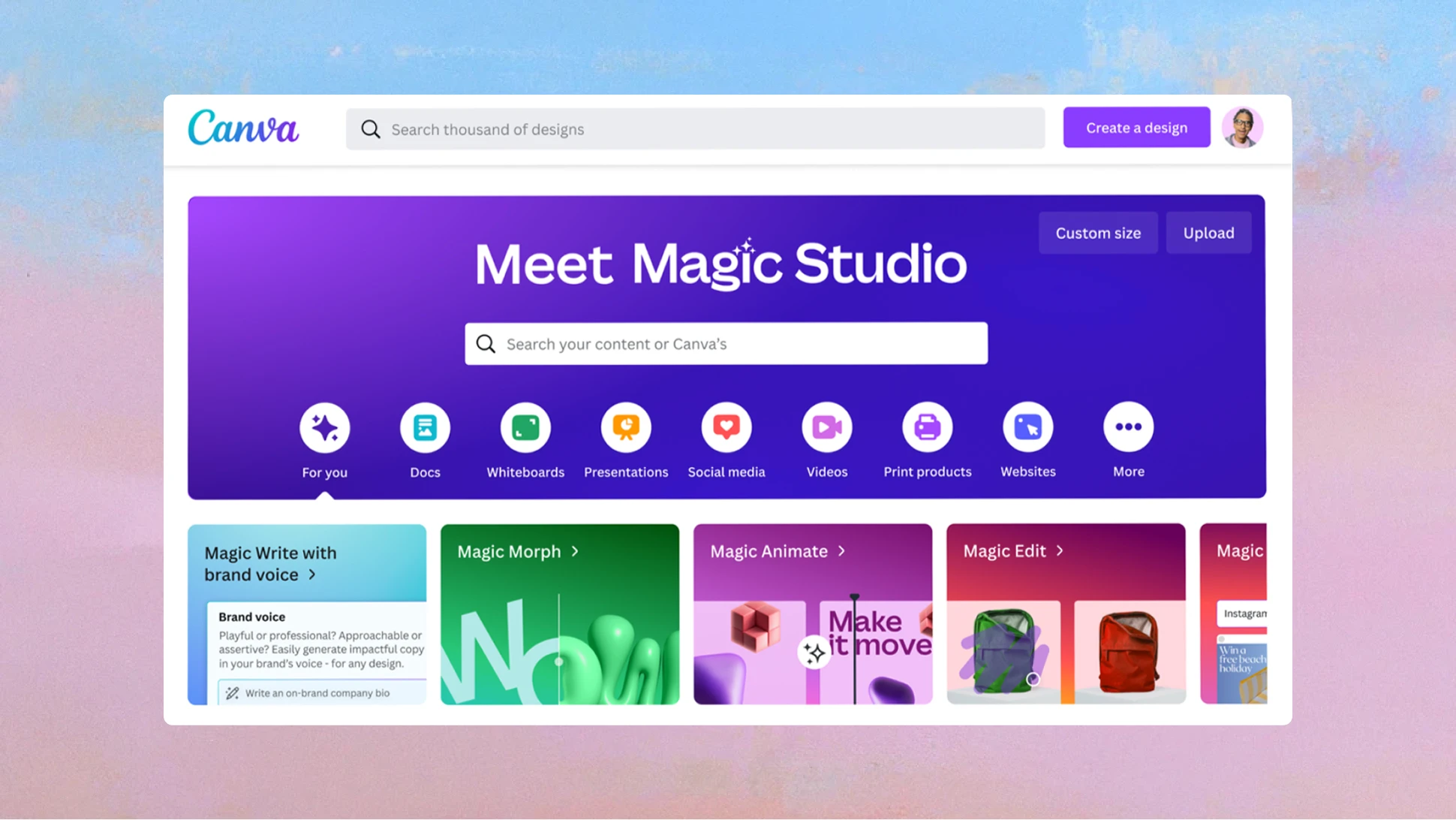
Canva Magic Studio
Canva’s AI features allow you to:
remove backgrounds
generate images
auto resize designs
create social media graphics instantly
Perfect for bloggers, marketers, and entrepreneurs.
Napkin AI
Napkin AI converts text into diagrams automatically.
You can create:
mind maps
workflows
process diagrams
Ideal for explaining complex ideas visually.
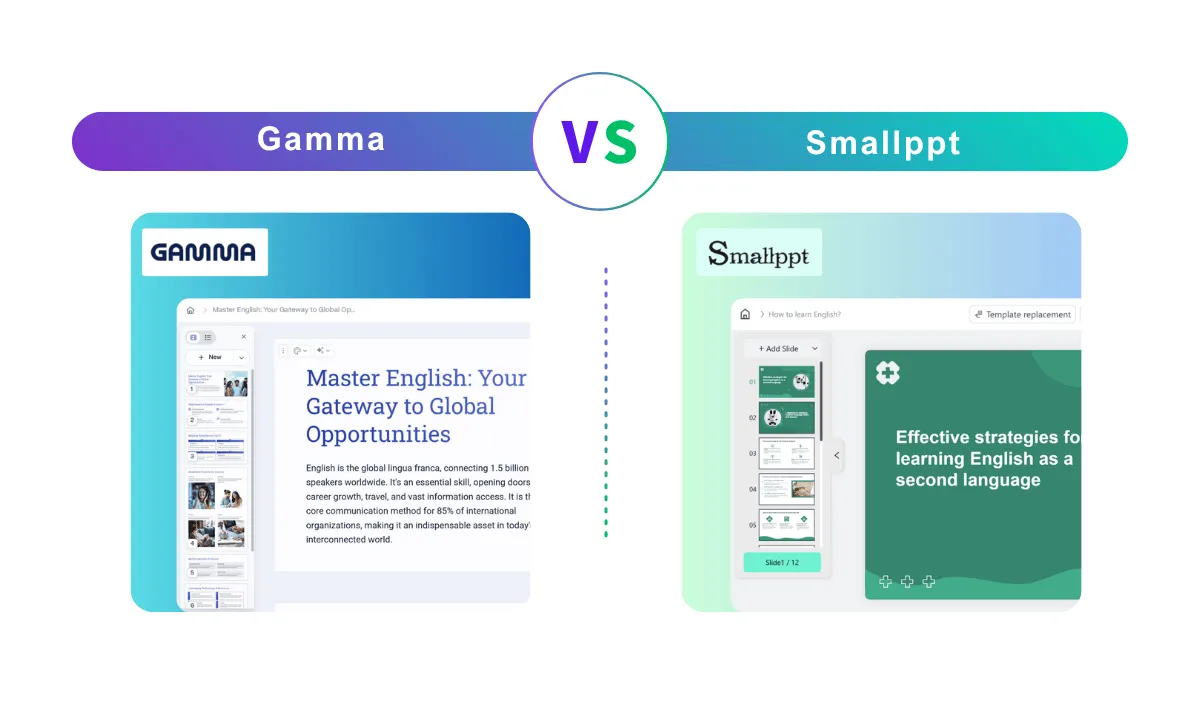
Gamma
Gamma is an AI presentation generator.
You simply provide a topic or outline, and the AI creates a full slide deck with design and content.
Great for:
business presentations
reports
startup pitches.
Ideogram
Ideogram is an AI image generator that handles text inside images very well.
This makes it excellent for:
posters
thumbnails
social media graphics.
4. AI Automation and Meeting Tools


Meetings and repetitive tasks are some of the biggest productivity killers. These tools help eliminate them.
Carly AI
Carly AI helps manage meeting scheduling automatically.
Instead of long email chains, Carly can coordinate times for you.
Otter.ai
Otter automatically transcribes meetings in real time.
It also identifies:
action items
key decisions
speakers
Perfect for teams that attend many meetings.
Zapier
Zapier is one of the most powerful automation platforms.
It connects 8,000+ apps and allows you to automate tasks like:
posting blog articles to social media
saving email attachments
syncing CRM leads
If a task repeats regularly, Zapier can automate it.
How Much Time Can These AI Tools Save?
| Task | Best Tool | Time Saved |
|---|---|---|
| Writing emails | Grammarly + Wispr | 3–5 hours |
| Research | Perplexity | 4–6 hours |
| Presentations | Gamma | 2–3 hours |
| Meeting notes | Otter.ai | 2–4 hours |
| Marketing copy | Copy.ai | 2–3 hours |
| Workflow automation | Zapier | 3–6 hours |
Using several of these AI productivity tools together can easily save 10–20 hours every week.
Pro Strategies for Using AI in 2026
1. Learn Prompt Engineering
The quality of AI output depends on your instructions.
A good prompt includes:
a role
a clear task
context
desired format
Example:
Act as a marketing expert and write five headline ideas for a blog about AI tools for productivity.
2. Use Human Expertise
AI should be a starting point, not the final product.
To rank on Google, add:
personal insights
real examples
verified facts.
This aligns with Google E-E-A-T guidelines.
3. Protect Sensitive Data
Avoid entering confidential information such as:
financial records
client data
private company documents.
Always review privacy policies when using AI tools.
Conclusion
The best AI tools to automate work in 2026 are not necessarily the most advanced — they are the ones you actually use every day.
Start by identifying your biggest productivity bottleneck.
For example:
too many emails → use Grammarly + Wispr
too many meetings → use Otter.ai
repetitive tasks → use Zapier
By solving one bottleneck at a time, you can realistically reclaim 10 to 20 hours every week.
And that extra time can be used for:
creative work
strategic thinking
growing your business.


0 Comments